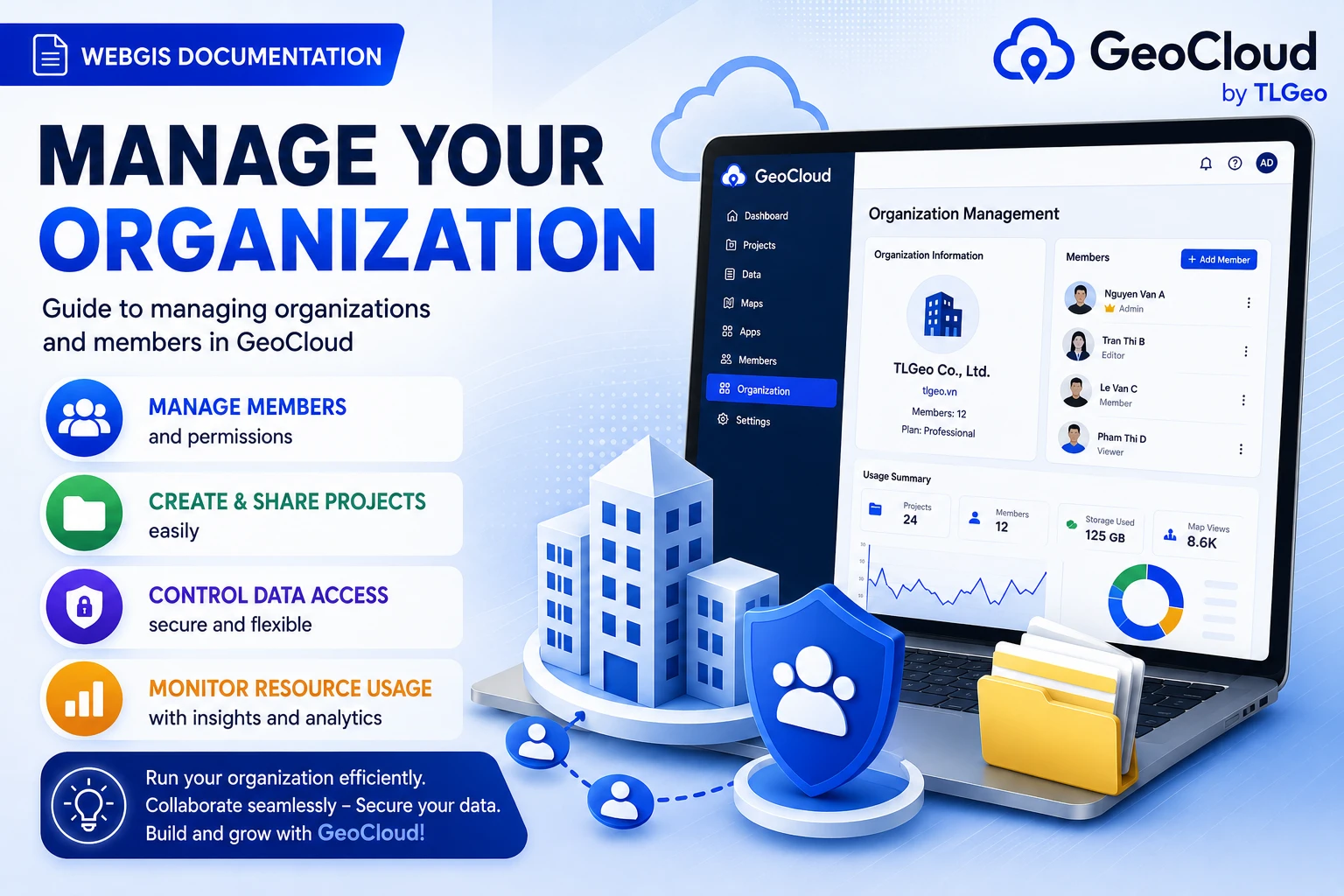
Manage Organization
In this guide, you will learn how to create and manage organization in GeoCloud.
What is an Organization?
Organization is the highest-level management unit in GeoCloud, allowing:
- Manage members and permissions
- Create and share projects
- Control data access
- Usage statistics
Organization Details
Basic Information
- Organization Avatar: Logo or representative image
- Organization Name: Main display name
- Description: Information about the field of operation
- Member Limit: Maximum number of members allowed
Product Registration
The page displays the registration status of 3 main products:
Geocollect
- Status: Active / Not registered / Expired / Locked
- Plan: Type of registered plan
- Devices: Allowed device limit
- Expiration Date: Service end time
Flight Planner
- Similar information to Geocollect
- Green rocket icon
Geodesktop
- Similar information to Geocollect
- Purple desktop icon
Member Management
Overview
- Progress bar: Shows current members / maximum limit ratio
- Color status:
- Green: ≤ 70% limit
- Red: > 70% limit (warning)
- “Add Employee” button: Opens popup to invite new members
Member List
Table displaying member information:
- Avatar: Profile picture
- Phone: Contact information
- Email: Email address
- Role: Permission tag
Invite New Members
- Click “Add Employee” button
- Enter information in popup:
- Phone number or email
- Appropriate role
- Send invitation
Organization Roles
Admin
- Highest authority in organization
- Manage all members and projects
- Organization settings and billing
Manager
- Manage projects and members
- Create and delete projects
- Assign project permissions to members
Member
- Join projects with assigned permissions
- Cannot manage other members
- Can create personal projects
Viewer
- View data only, no editing
- Cannot create new projects
- Suitable for consultants or clients
Next
👉 Manage Project - Learn how to create and manage projects in GeoCloud