Geocollect
Collect tool for geographic data


Plans & Pricing
Buy together to get discount (for both annual and permanent packages):
- Buy 5/10/25 keys: 5%/10%/20% off
50% discount from 2nd device onwards, default only 1 device (for 1 account)
Free functions
- ✓ Import and view collected data
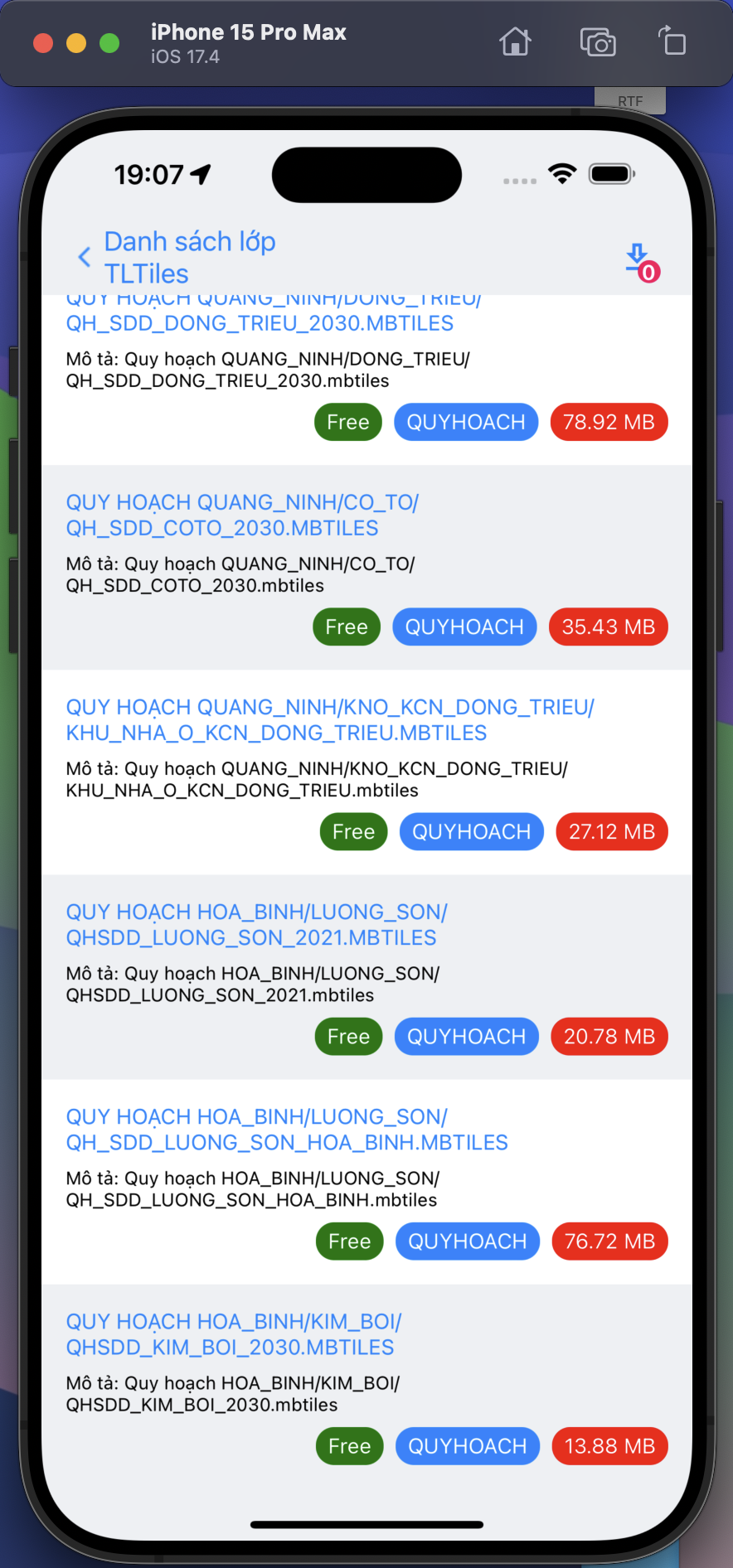
- ✓ Import MBTiles (limit 1 file)
Advanced functions
- ✓ Offline import mbtiles
- ✓ Customize collect form
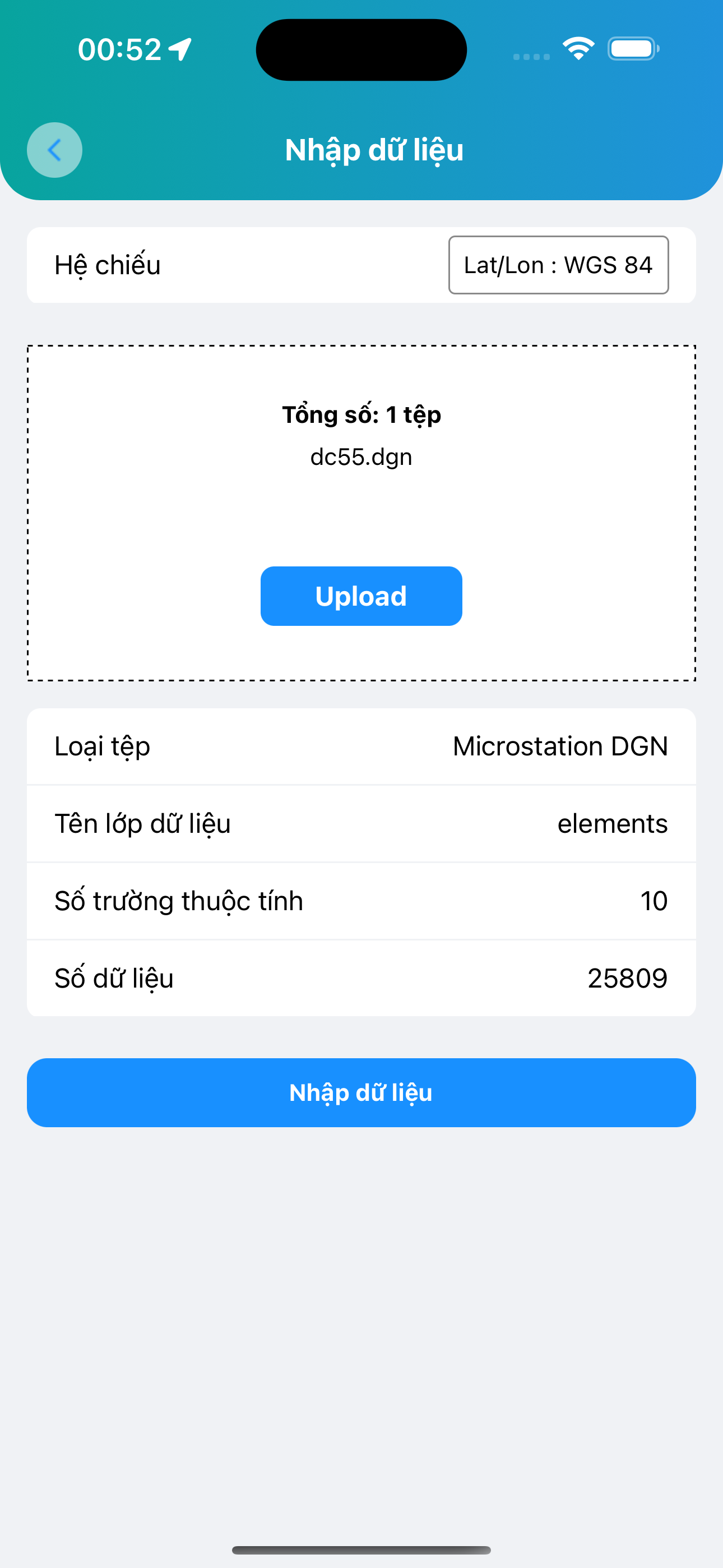
- ✓ Online import all GIS file extensions
Free
Free
- ✓ Only 1 device per account
- ✓ Free functions
- ✓ Free support with best effort
Popular
Per year
20$/year (1 device)
- ✓ Allow change device
- ✓ Advanced functions
- ✓ Official support
Per device
75$ (1 device)
- ✓ Use 1 device forever (Allow change within 1 year)
- ✓ Advanced functions
- ✓ Official support
Key features
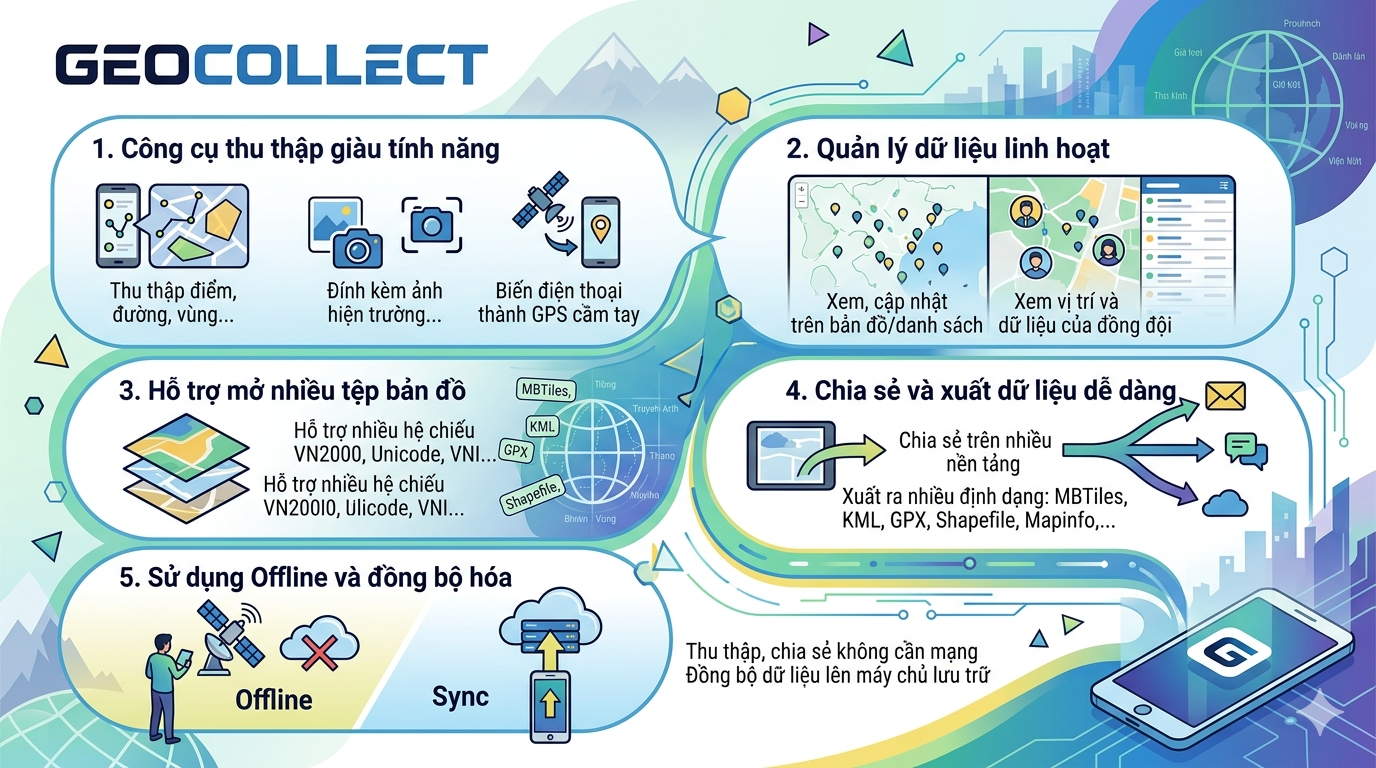
Feature-rich collection tool
- • Collect points, lines, areas, ...
- • Attach field photos and screenshots
- • Turn your phone into a handheld GPS
Flexible data management
- • View, update on map or in list view
- • View team members' locations and data
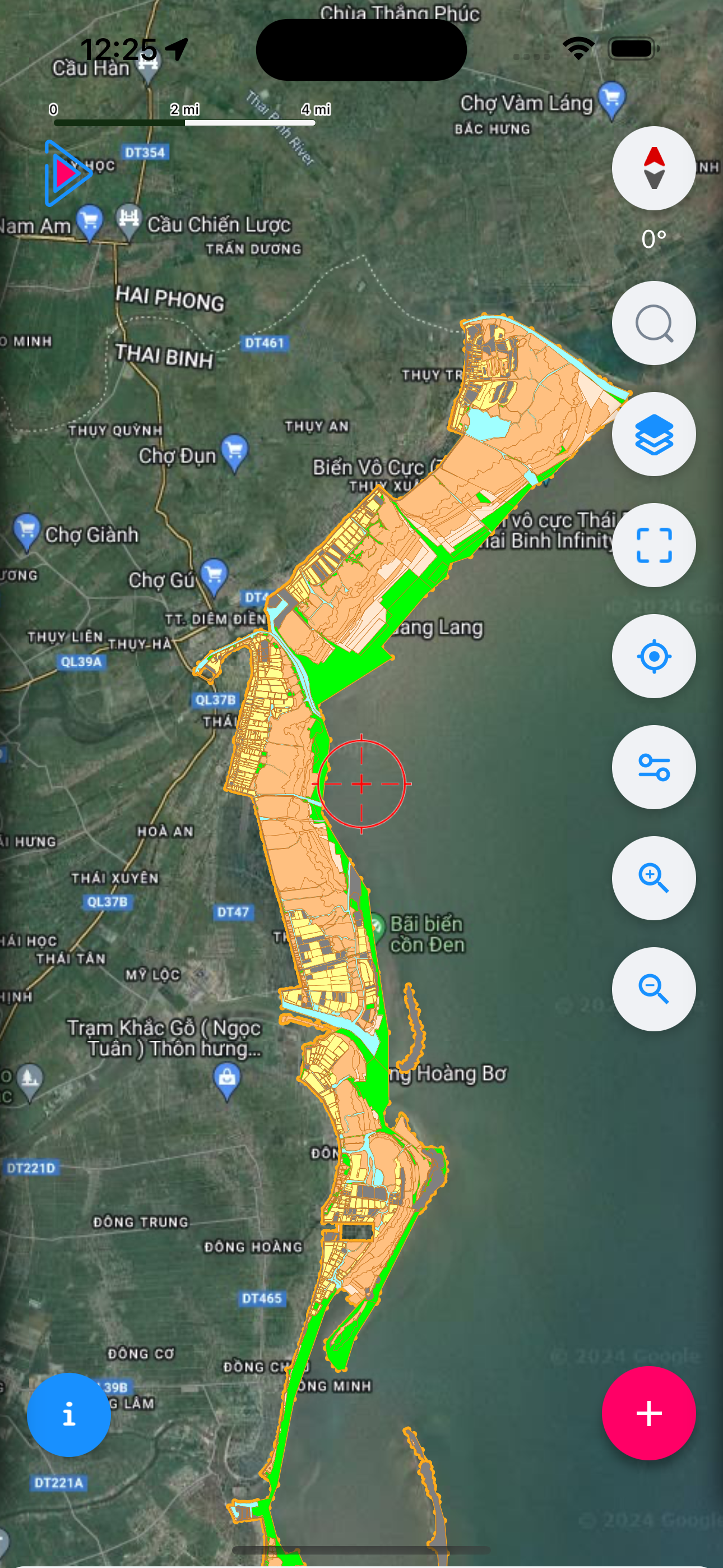
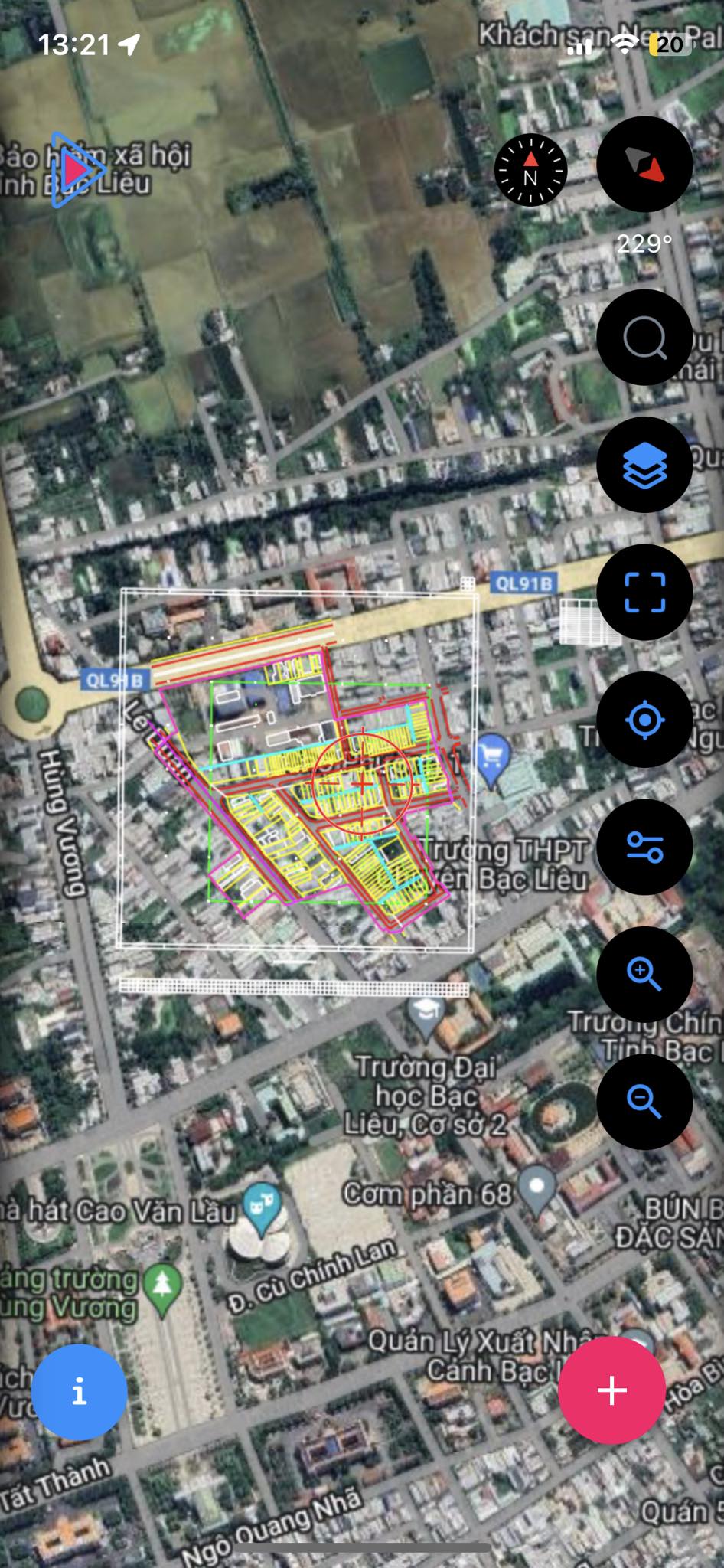
Support multiple map files
- • View many GIS formats: MBTiles, KML, GPX, Shapefile, Mapinfo,...
- • Support many VN2000 coordinate systems and encoding Unicode, VNI,...
Easy data sharing and export
- • Share data on many different platforms
- • Support export to many formats: MBTiles, KML, GPX, Shapefile, Mapinfo,...
Offline usage and synchronization
- • Collect, share data without internet
- • Sync data to server for long-term storage
Features
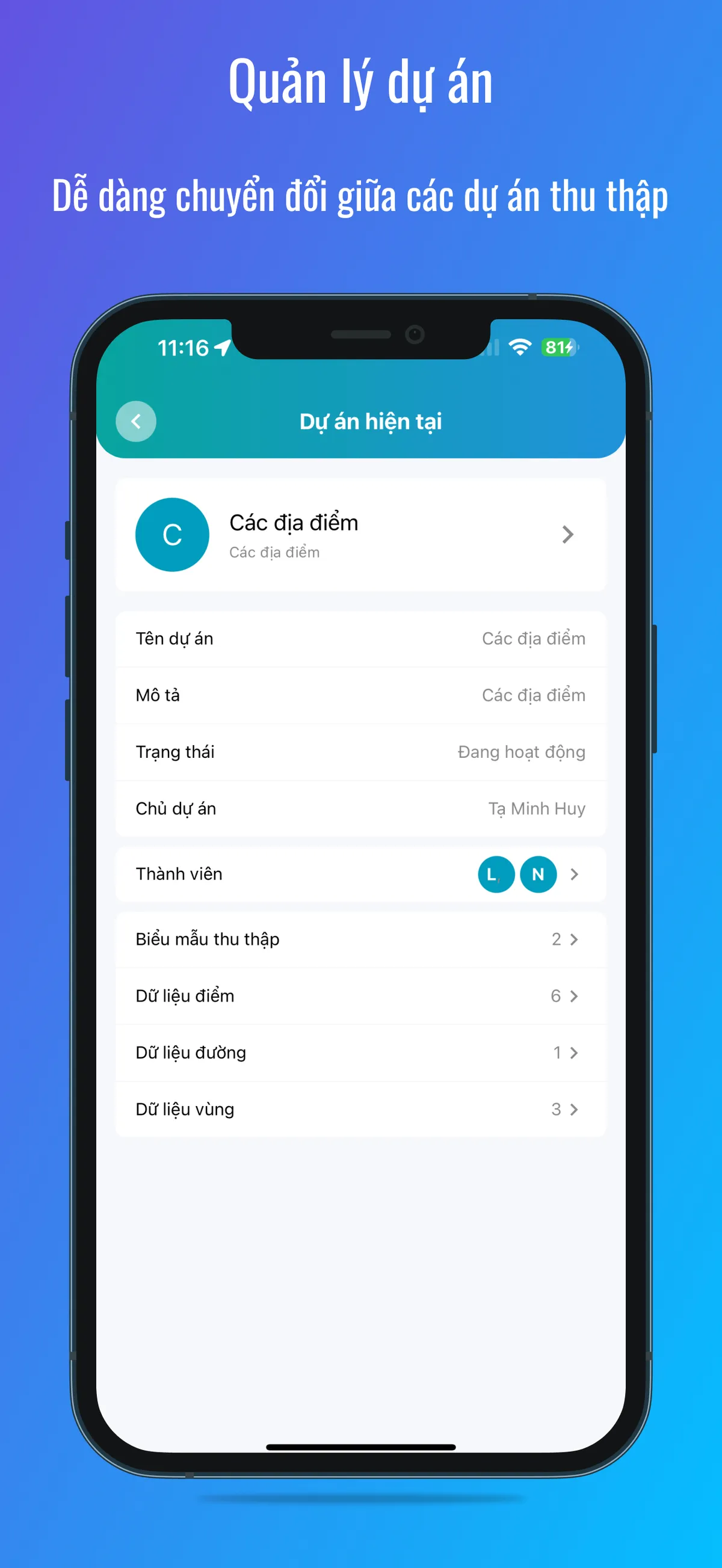
Project Management
Easily switch between data collection projects
- • All data is grouped into "Projects"
- • Team members
- • Collect forms
- • Collected data: Points, Lines, Areas, Photos
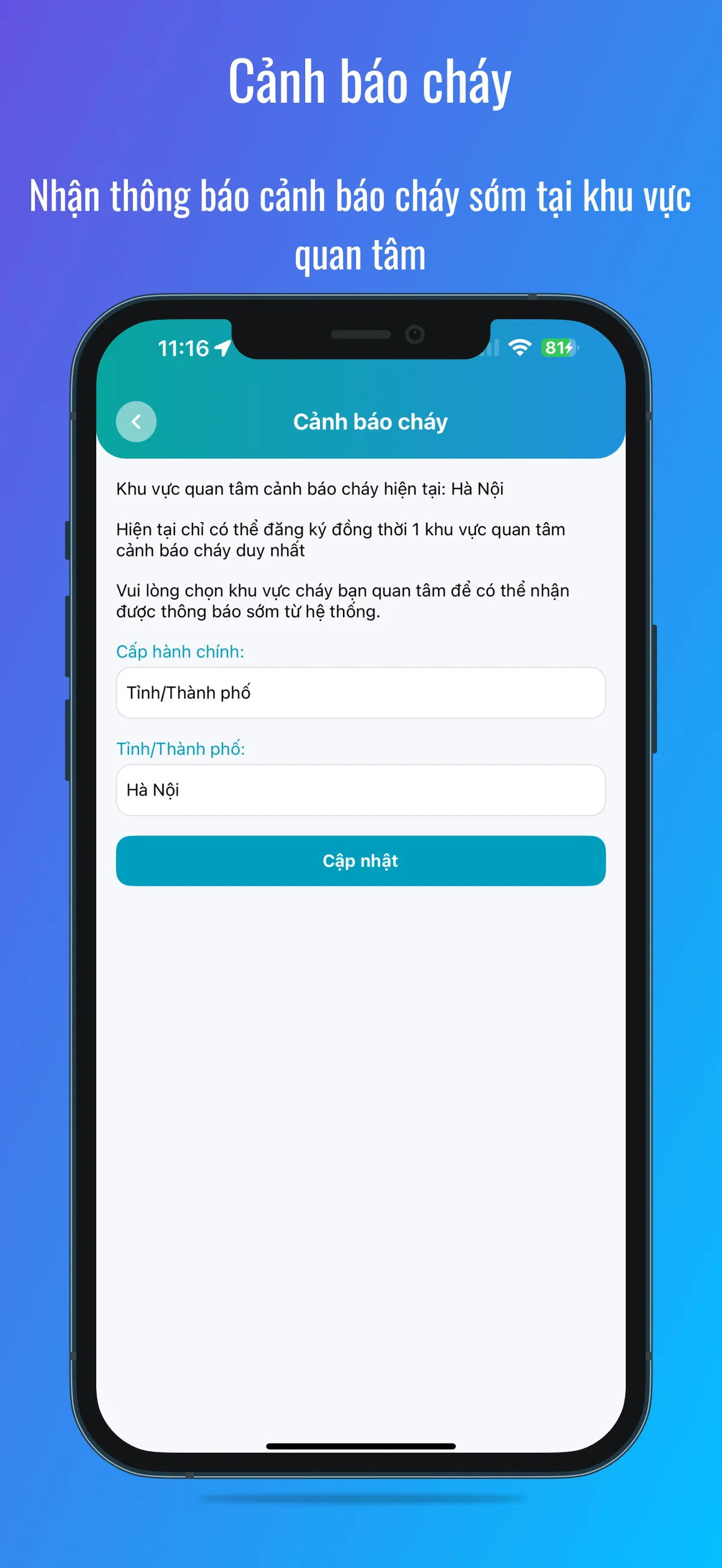
Fire Alert & Forest Change Alert
Receive early fire and forest change alerts in your area of interest
- • Select administrative area or area of interest
- • View change locations with before/after satellite images directly on the app
- • App will send notifications to users (Register now: +84 363 077 359)
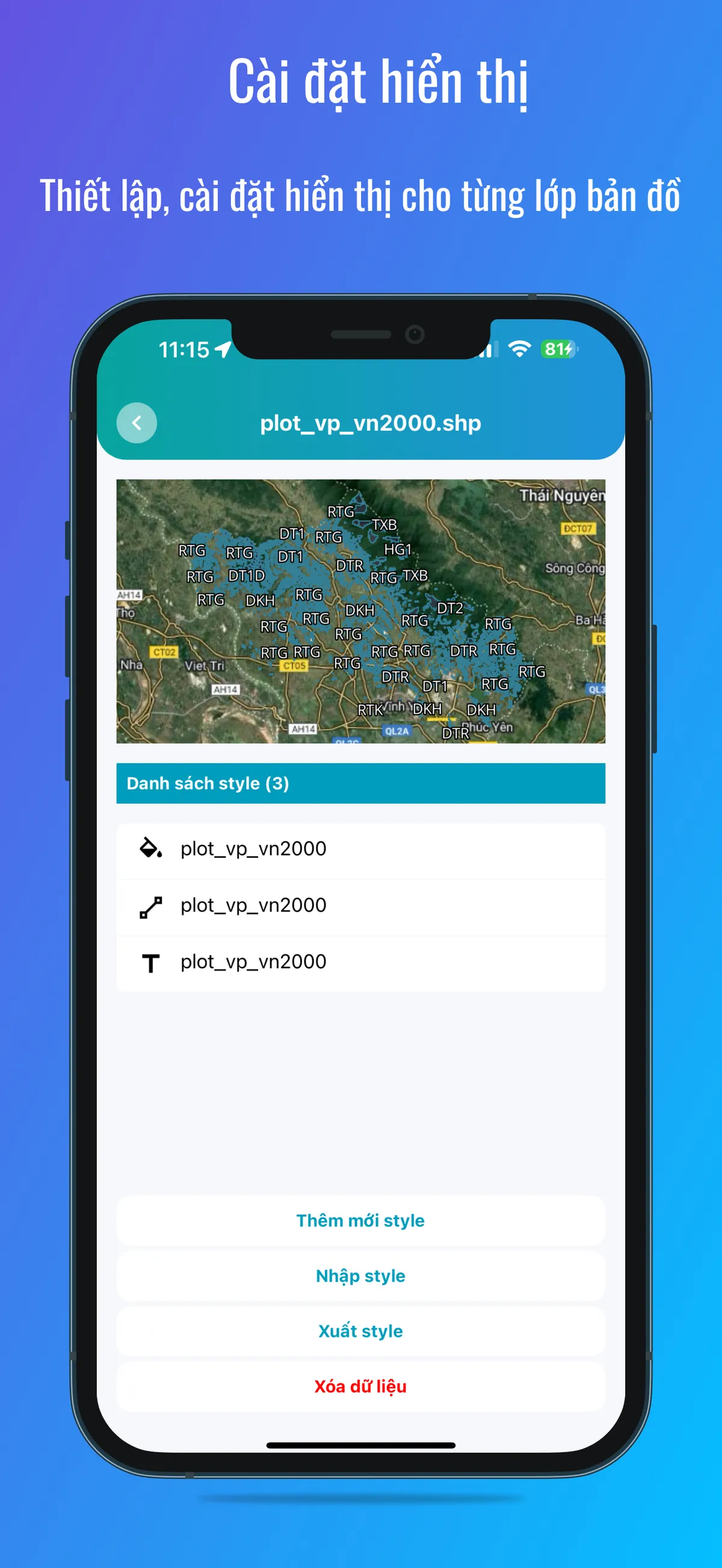
Display Settings
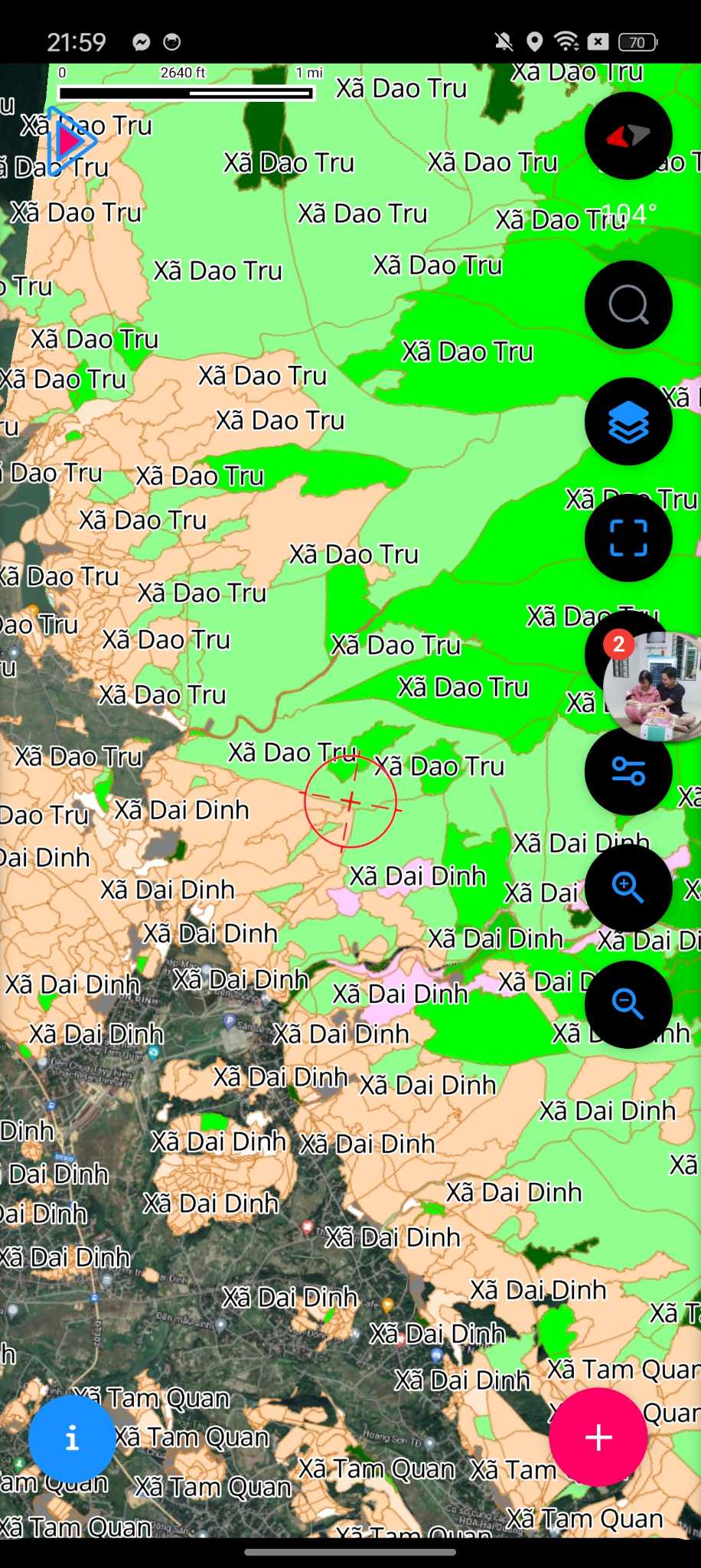
Configure display settings for each map layer
- • When importing map files to the app, users can customize different styles
- • Colors
- • Sizes
- • Images
- • Display labels
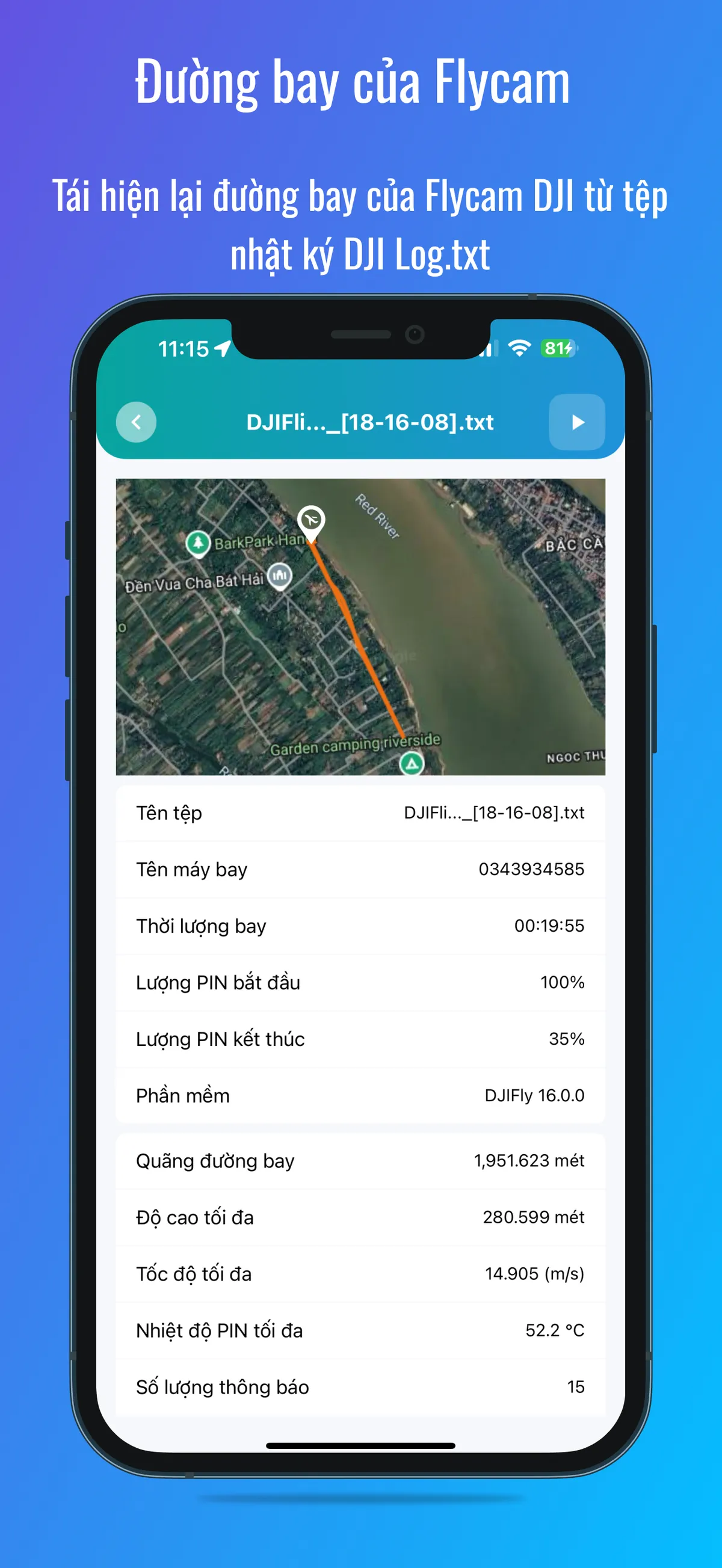
Flycam Flight Path
Replay DJI Flycam flight path from DJI Log.txt file
- • Replay flight path from DJI Log.txt
- • View flight trajectory on map
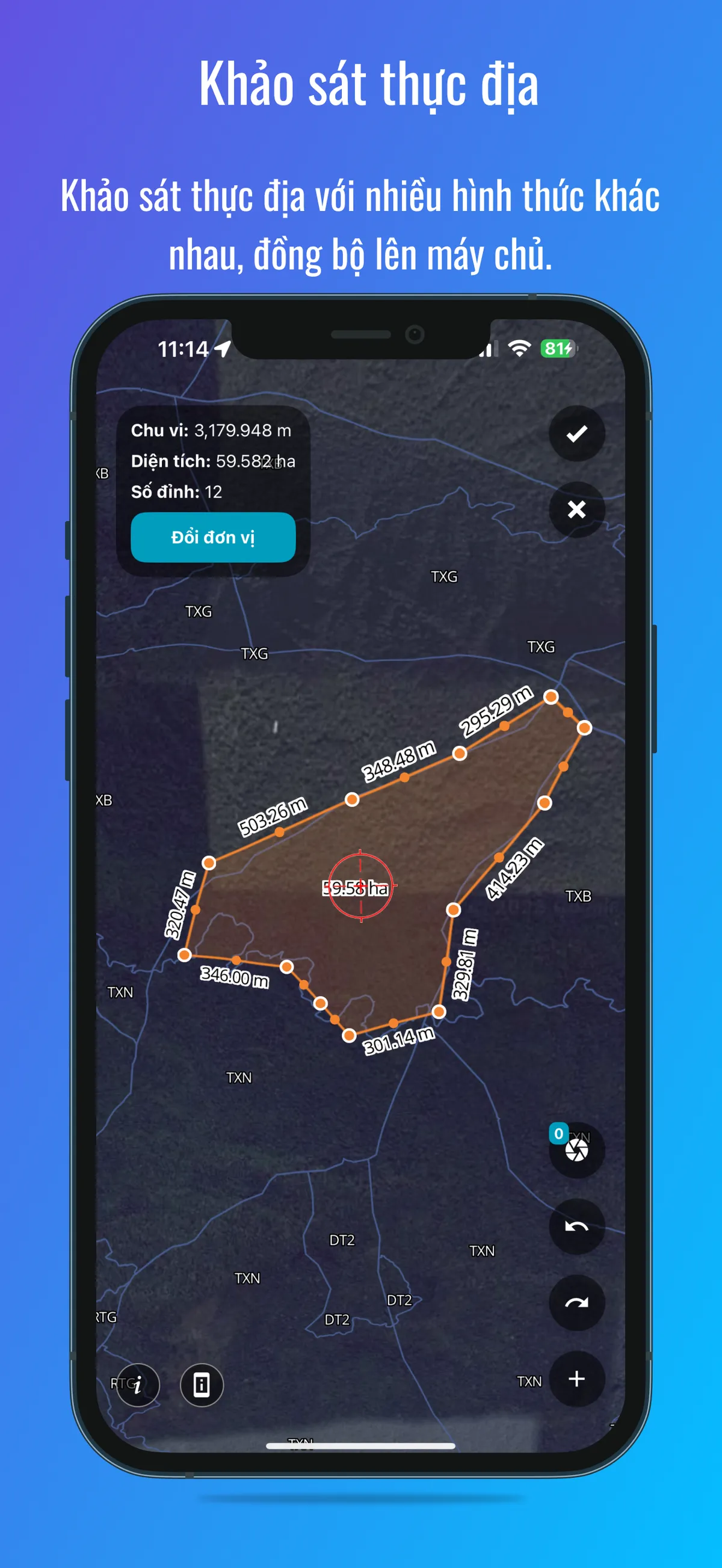
Field Survey
Conduct field surveys in various forms, sync to server
- • Collect points, lines, areas with photo attachments
- • Take field photos
- • Survey, create patrol routes
- • Sync data to server for long-term storage
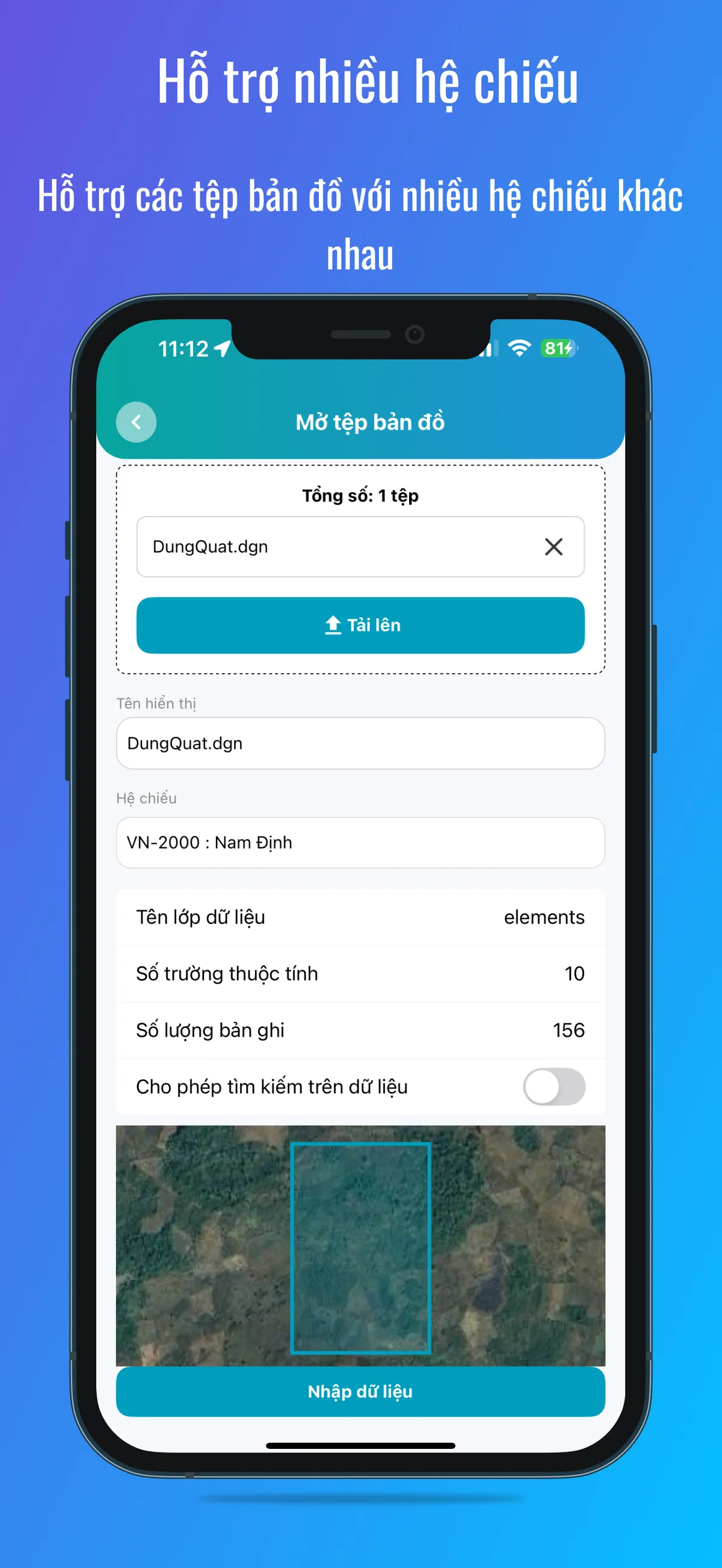
Multiple Coordinate Systems
Support map files with various coordinate systems
- • Pre-supported VN-2000 local coordinate system 3-degree zone for Vietnamese users
- • Select coordinate system when viewing, importing, exporting data
- • Allow adding custom coordinate systems
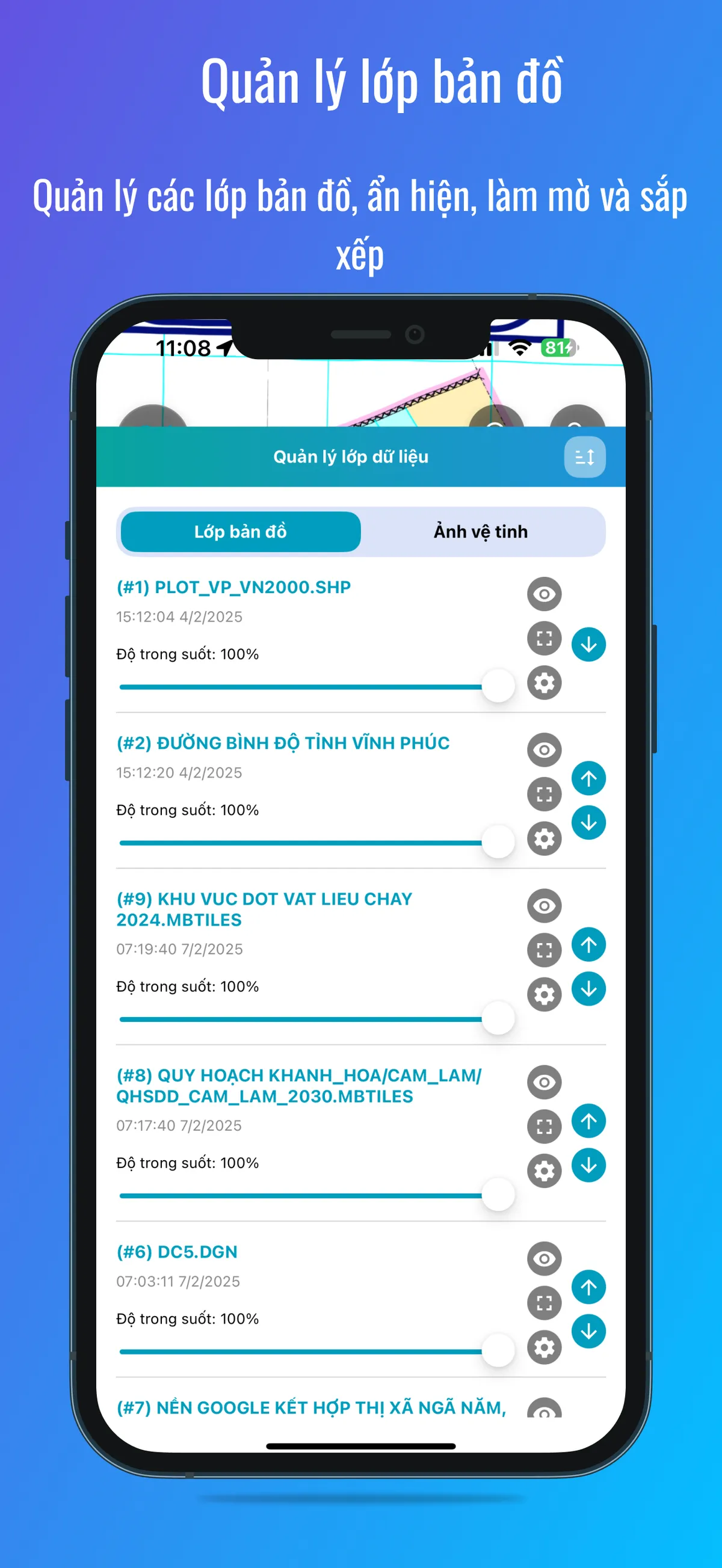
Map Layer Management
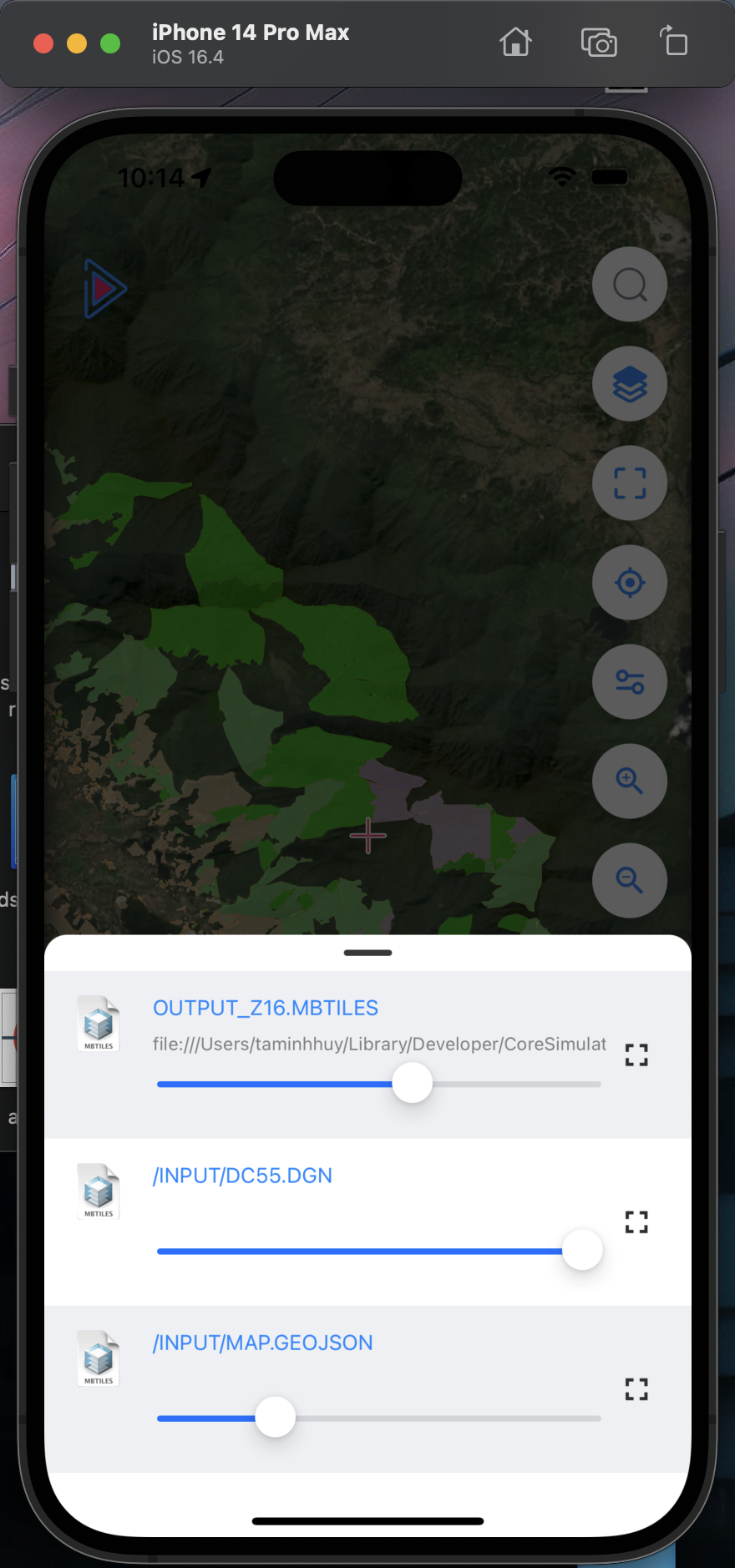
Manage map layers, show/hide, opacity and arrangement
- • Arrange order of map layers (above/below)
- • Show/hide map layers
- • Change layer transparency
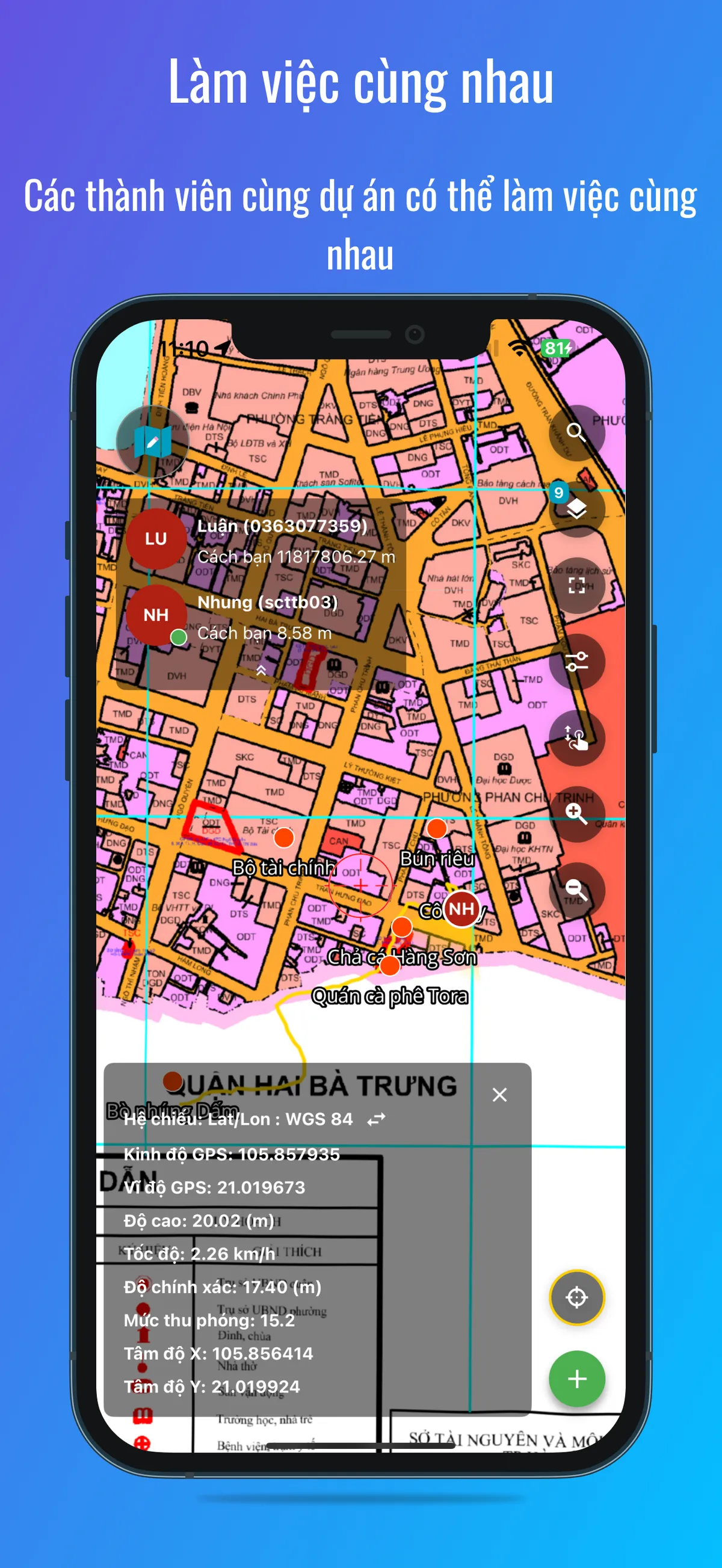
Work Together
Team members can work together on the app
- • View teammates' locations
- • Send messages pinned to the map
- • View each other's collected data to avoid duplicate collection
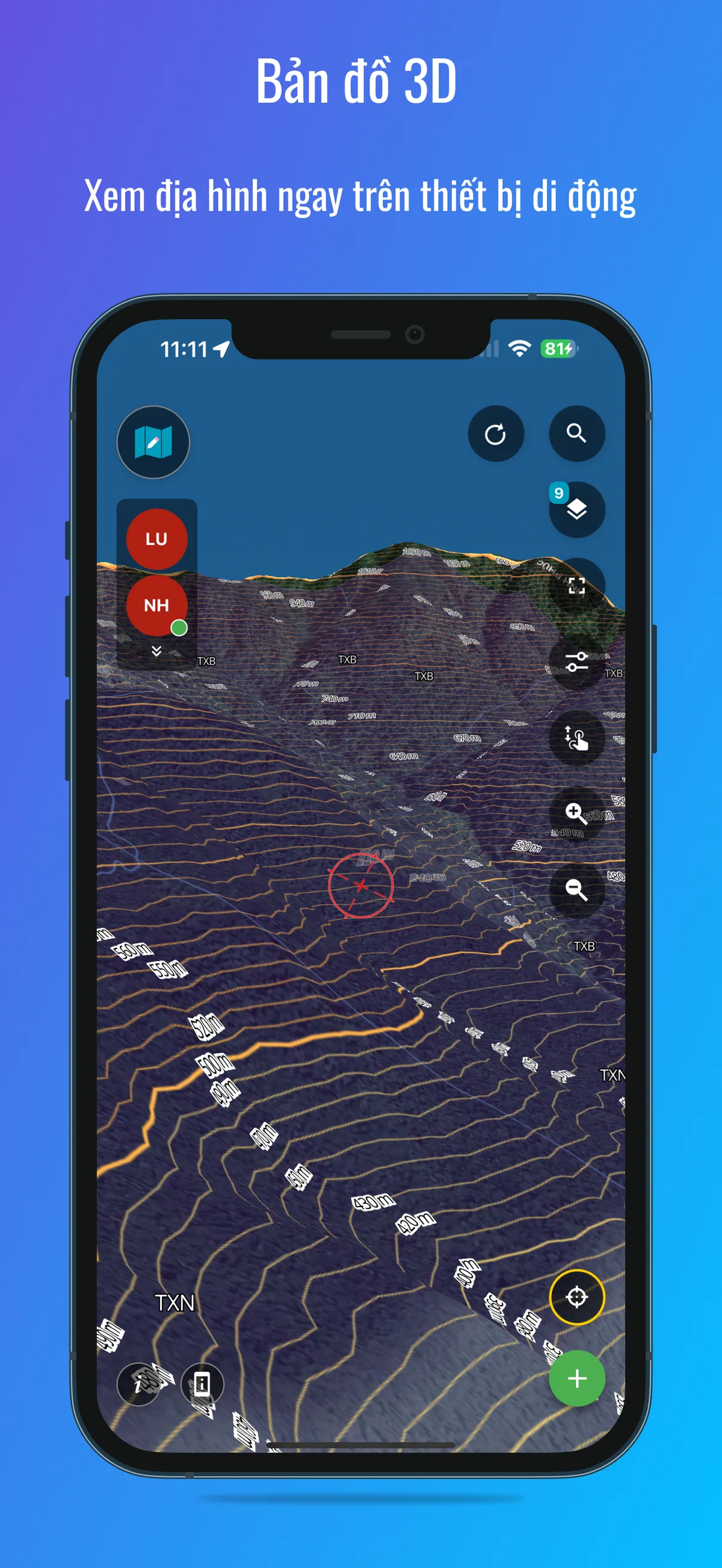
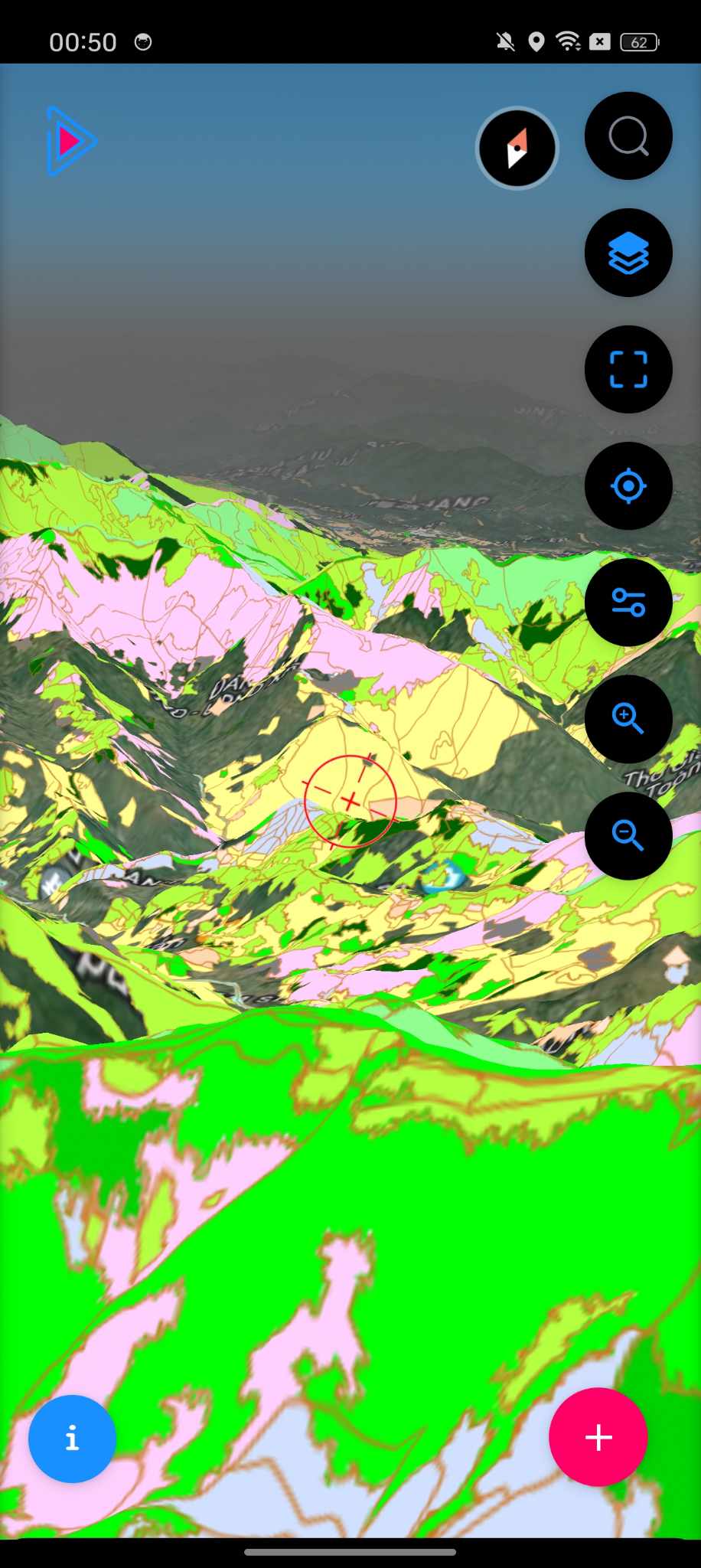
3D Map
View terrain on mobile devices
- • View in 3D mode with available contour lines for a more accurate view of the terrain
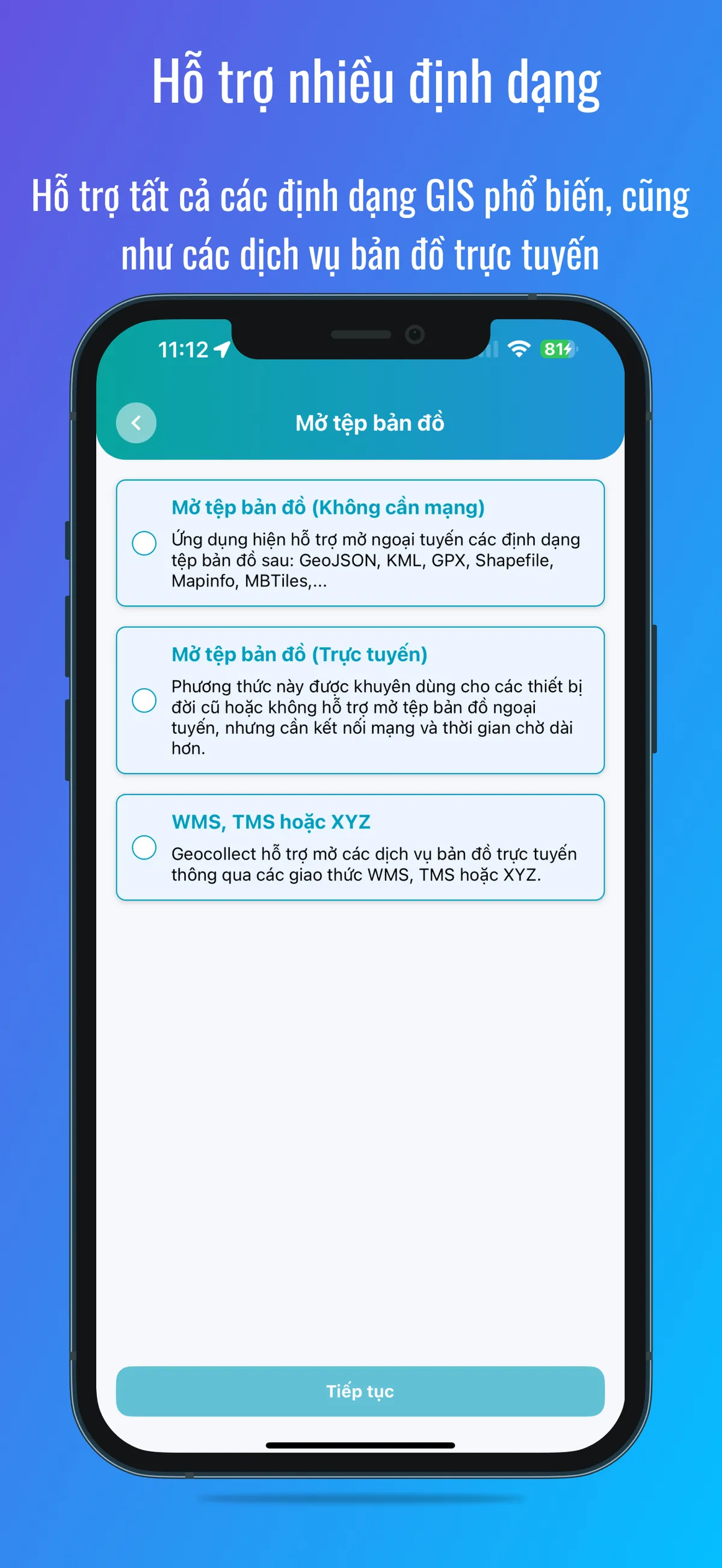
Multiple Formats Support
Support all common GIS formats as well as online map services
- • Open map files (offline): GeoJSON, KML, GPX, Shapefiles, MapInfo, MBTiles
- • Open map files (online): For older devices or those that don't support offline file opening
- • WMS, TMS or XYZ: support other open protocols
Screenshots