Install TLGeo2QGIS
Plugin TLGeo2QGIS is a tool that connects Geocollect with QGIS, allowing you to easily share data collected from the Geocollect app to QGIS.
Installation Steps
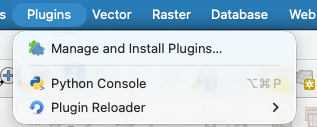
Step 1: Open Plugin Manager
On the QGIS menu bar, select Plugins > Manage and install plugins
Step 2: Install from ZIP File
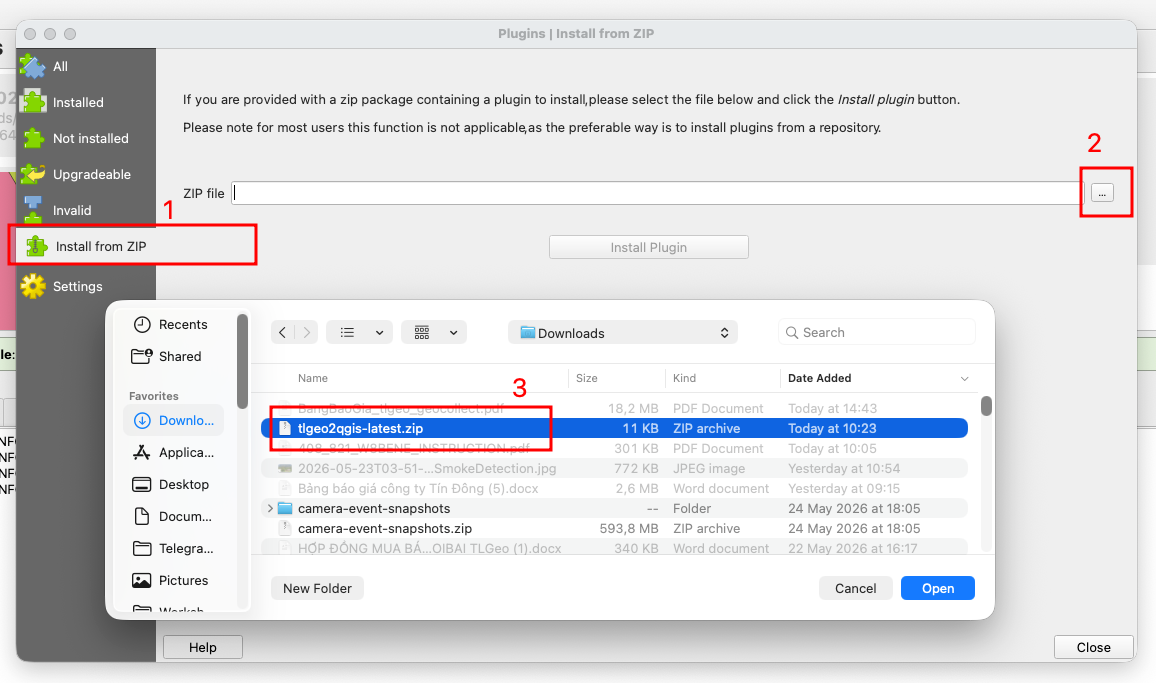
In the Plugin Manager window:
- Select Install from ZIP from the left menu
- Click the folder icon to select the
tlgeo2qgis.zipfile - Click Install
Step 3: Activate Tools
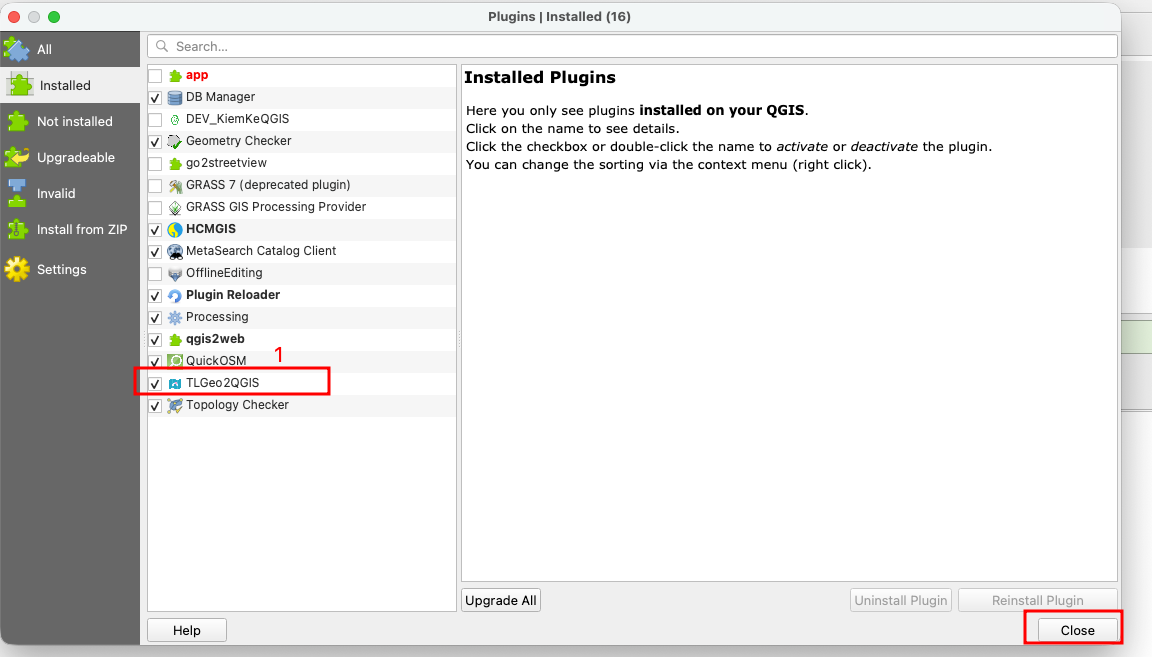
After successful installation:
- Go to Plugins > TLGeo2QGIS to activate
- The plugin will appear on the QGIS toolbar
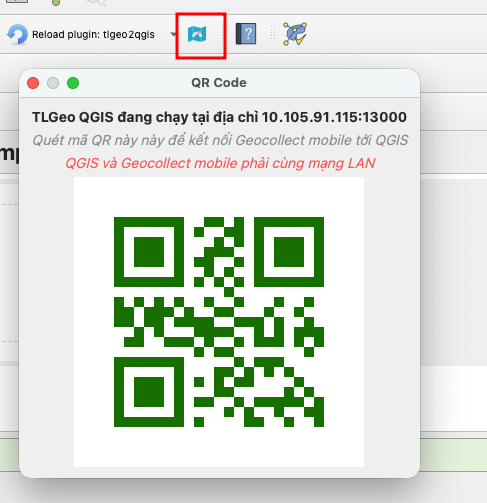
Step 4: Scan QR Code to Activate (if needed)
If the plugin requires QR code activation:
- Open the Geocollect app on your phone
- Go to Menu > TLGeo2QGIS to display the QR code
- Scan the QR code in QGIS to activate
Notes
- Plugin requires QGIS version 3.0 or higher
- Ensure internet connection when activating
- Contact support if you encounter errors during installation